Gemstone Lights® feature
The Gemstone Lights app
Every light on your property, from one app on your phone or tablet. It's free for iPhone and Android, and there's no monthly fee.
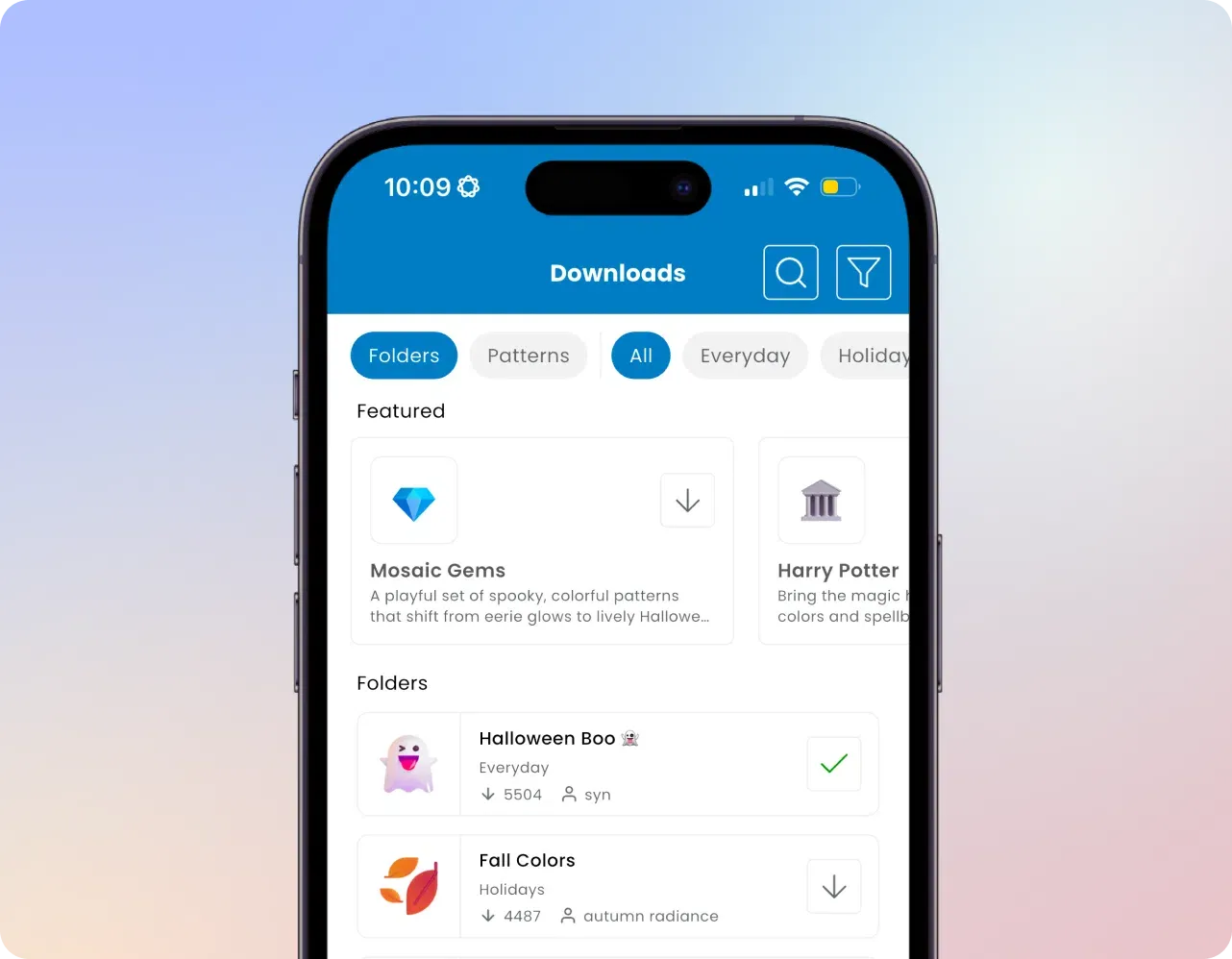
Image: Gemstone Lights
-
14,000+ ready-made patterns
Browse by name or theme and play one with a tap.
-
Pattern Builder
Pick colours, an animation and a folder. Gemstone says it takes under a minute.
-
Up to 64 timers
Daily, weekly or yearly, with sunset and sunrise offsets that keep working offline.
-
Playlists
Rotate up to 32 patterns automatically, in order or at random, on a timer if you like.
-
Cloud sync
Your folders and patterns sync to every device on your account.
-
Share with the household
Invite as many people as you like. Managers can add devices and people; Members can view only.
What you'll use most
The home screen shows your three most recently played patterns, and the Now Playing tab lets you change brightness, animation speed and colour on the spot, so there's no need to step outside to check what's on.
Colours can be picked with a hex code, a colour wheel, RGB sliders or saved palettes, and Gemstone counts over 16 million of them, plus more than 25 animations.
Gemstone refreshed the app's design in August 2026. The Home tab is now called Devices, each device card shows whether it's offline or connected, every pattern card has its own timer button, and tablets get layouts that rotate properly.
Set up for you on install day
Gemstone says that at the end of the installation, your installer connects your phone and Wi-Fi to the Hub2 controller, sets up your account and walks you through the controls. Each controller has its own QR code, so you can't connect to a neighbour's lights by mistake.
If the Wi-Fi is ever down, the app can connect over Bluetooth within about 15 feet of the control box, and your timers keep running.
Questions
App questions
From Gemstone Lights' app, new features and Learning Hub pages, 2025 to 2026.
Is there a monthly fee?
No. Gemstone says there are no monthly fees for the Gemstone Lights app.
Does the old Hub app work with Hub2?
No. Gemstone built the Hub2 controller and the new Gemstone Lights app on a new framework, so the original Hub app isn't compatible. Patterns can be migrated from the old app.
Can I control the lights from anywhere?
Yes. With cloud connectivity you can control your lights from anywhere you have internet access.
What happens without Wi-Fi?
The system can run over a local Bluetooth connection. Gemstone notes that only one device can connect over Bluetooth at a time, and firmware updates need Wi-Fi.
More Gemstone Lights features
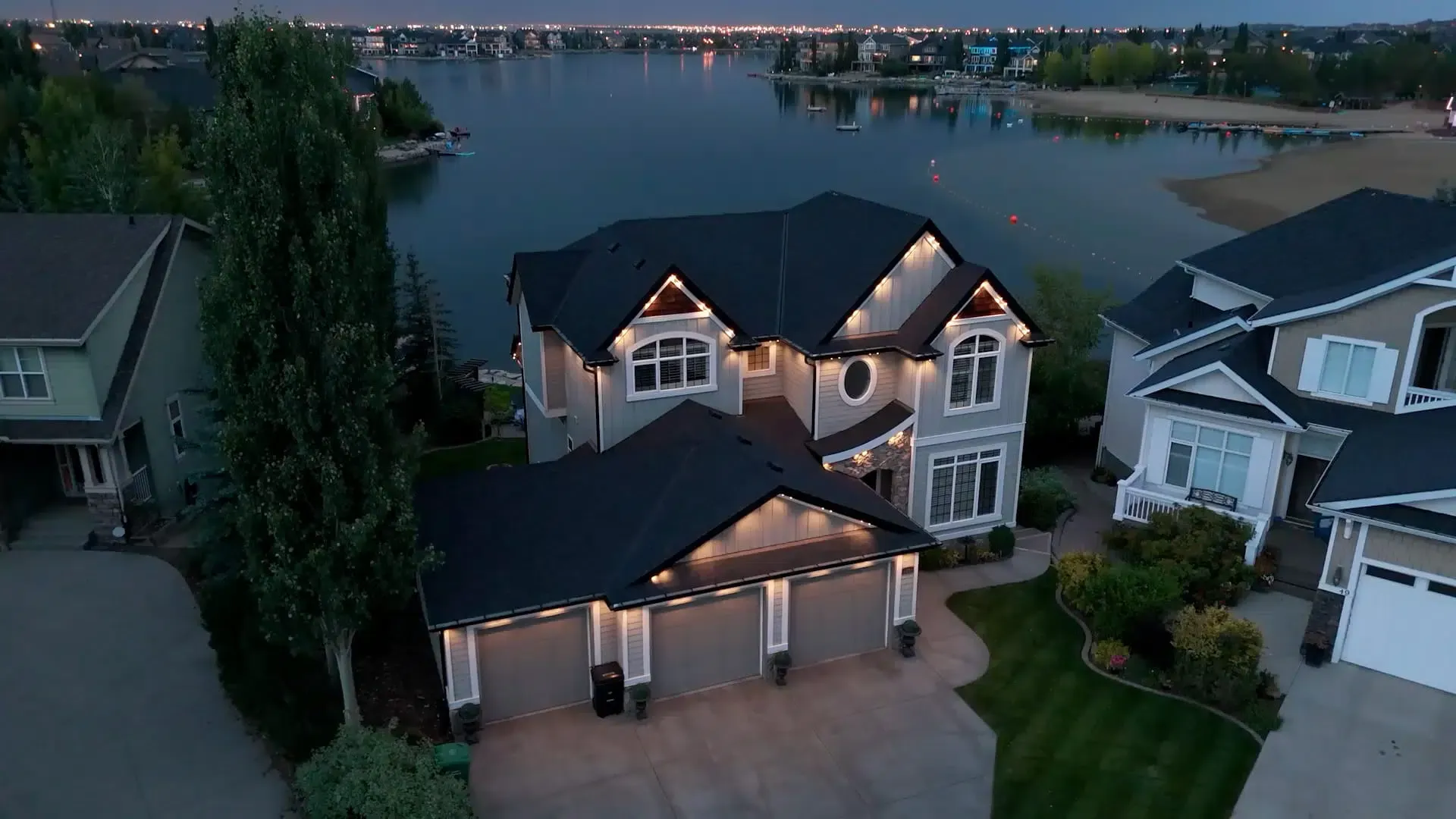
Want to try the app on your own house?
Ask for a free quote. We set the app up with you on install day and show you around it.