Gemstone Lights® feature
Music Sync: lights that move to the music
Put on a song, hold your phone near the speaker, and the lights pick up the rhythm.
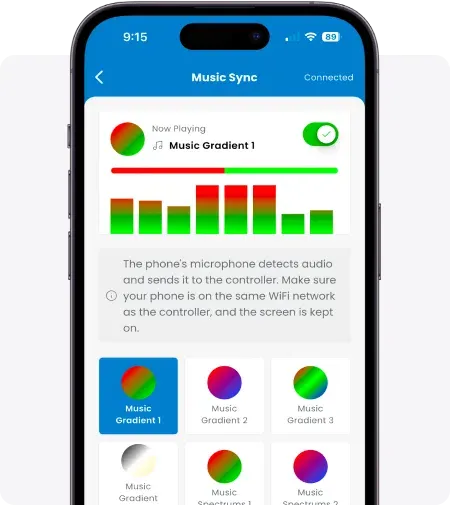
Image: Gemstone Lights
-
Uses your phone's microphone
The app listens to music playing nearby and syncs the lights to the rhythm.
-
Built-in music patterns
Pick from prebuilt music patterns. EQ bars show the app is hearing the music.
-
Any speaker
Play music on an external speaker, keep the app screen on, and you're set.
Good to know before the party
Music Sync needs the Hub2 controller and the latest Gemstone Lights app, with your phone on the same Wi-Fi network as the lights. Gemstone introduced it in December 2024.
Phone makers don't let apps listen to music playing on the same phone, so play the music from a separate speaker and keep your phone near it. Music Sync works on one controller at a time rather than a device group.
Beyond the roofline
Gemstone lists music sync as a feature of its landscape flood lights too, so the trees and garden can pulse along with the house when they run from the same controller. On the Hub2 the app keeps it a tap away on the home screen.
Questions
Music Sync questions
From Gemstone Lights' Music Sync Learning Hub article, landscape lighting and Hub2 pages.
Can I play music from the same phone?
No. Phone privacy rules prevent it. Play music on a Bluetooth speaker or other source and keep your phone near it.
Does it work with a group of controllers?
Not currently. Gemstone says Music Sync works with individual devices, not device groups.
Which controller do I need?
The Hub2 controller, with your phone on the same Wi-Fi network as the lights.
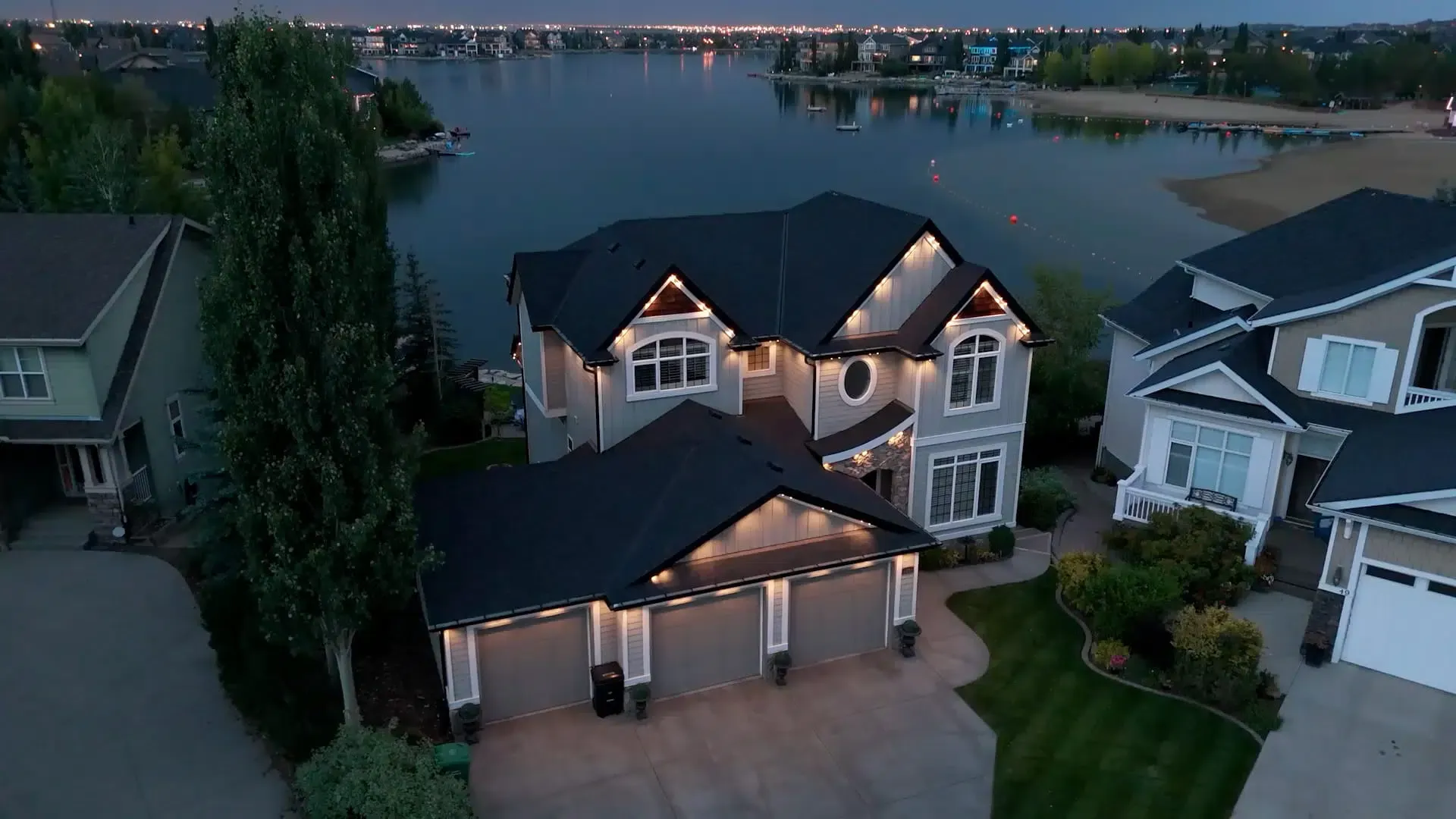
Planning a party with lights?
Ask for a free quote on a system that can follow the music, from the roofline to the yard.