Use case
Game day lights
Your team's colours on the roofline every game night, switched on for you.
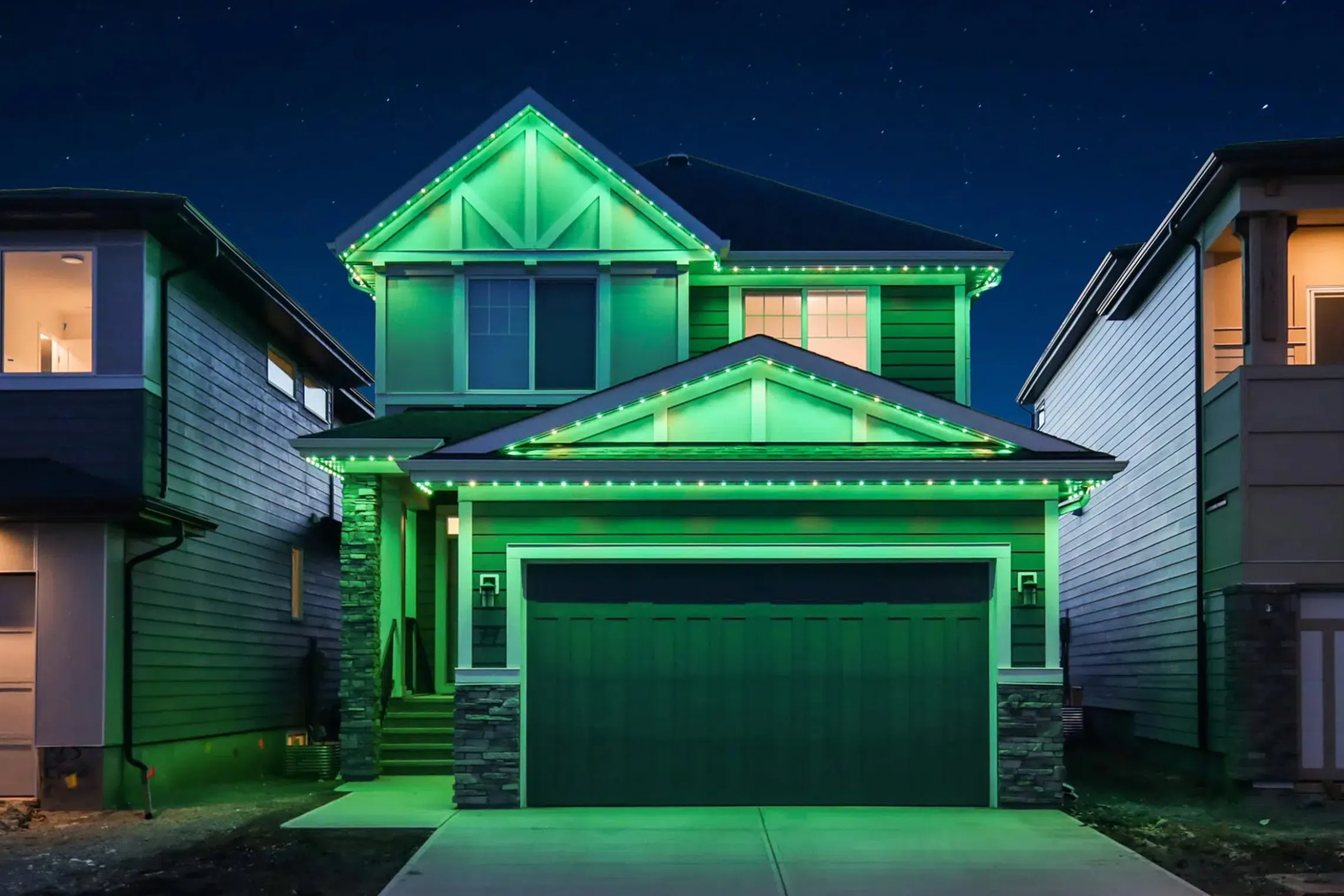
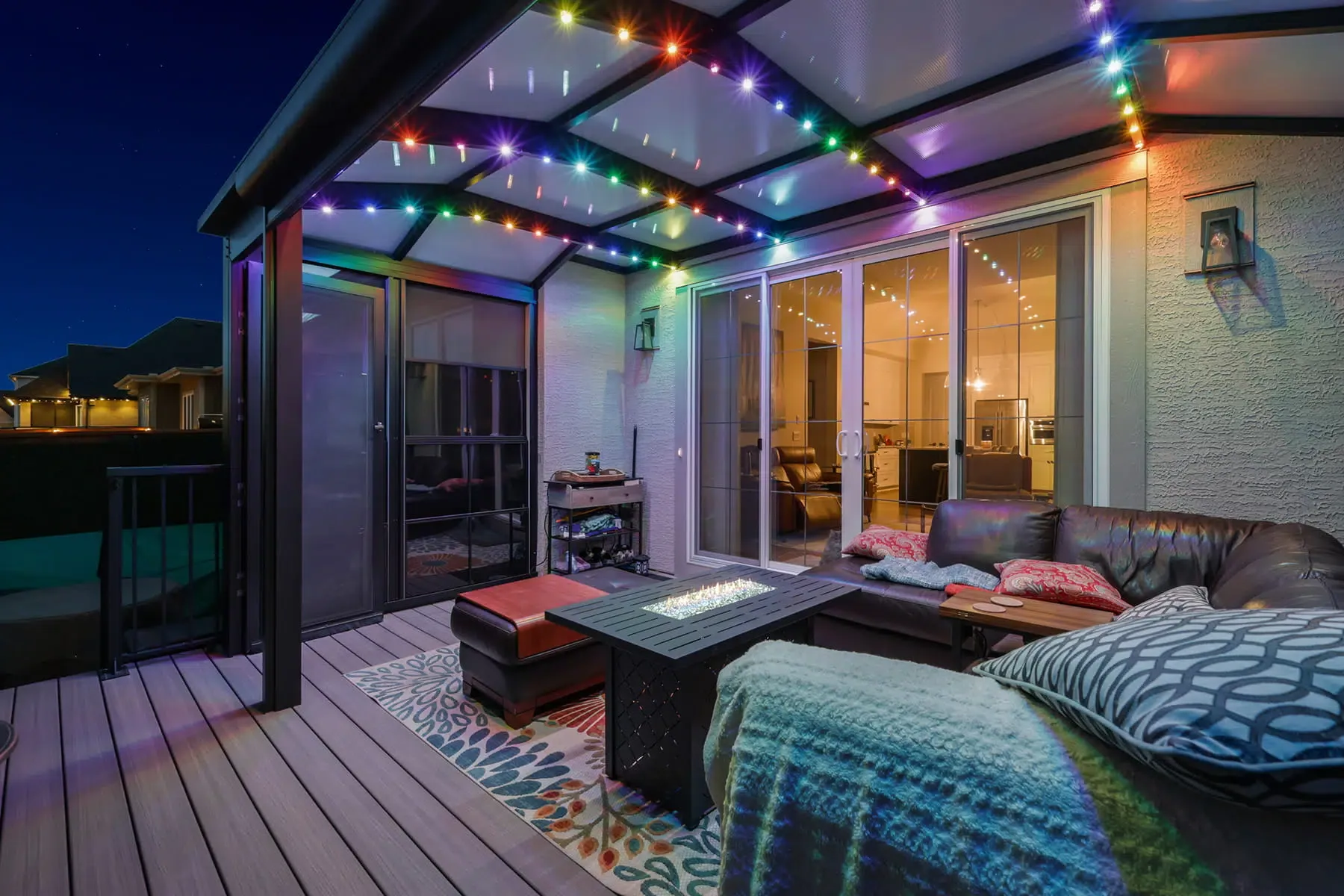
Photo: Gemstone Lights
Let the whole street know who you cheer for
Gemstone's Autopilot has sports calendars for the NHL, NFL, NBA and MLB. Pick your league and team, and the lights switch to team colours whenever they play. You can set it for home games, away games or all of them.
There are also 125 sports folders under Downloads, then Sports, with patterns for teams in those leagues. If you want an exact shade, the Hub2 app lets you enter a hex code.
Colour ideas
-
Your team's colours
Enter the exact hex code for your team's shade.
-
Two teams, one roofline
Gemstone suggests Chase, so the two teams' colours chase each other.
-
Build it up
Pacman builds your team colours on top of each other.
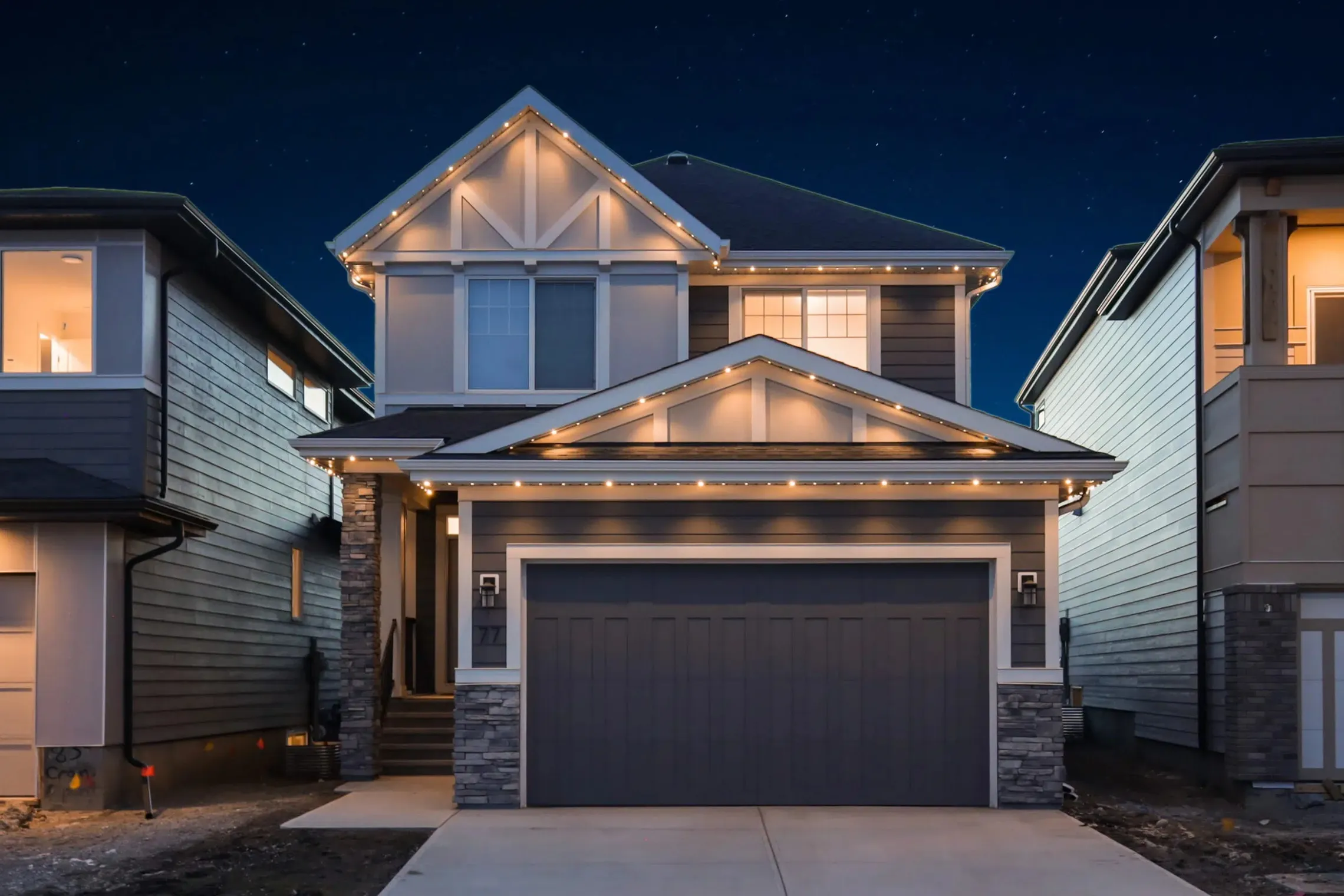
Drag to compare. Photos: Gemstone Lights.
In the Gemstone Lights app
Set it once, cheer all season
- 01
Pick your league and team
In Schedule, then Manage Autopilot, open settings and choose the team.
- 02
Choose home, away or all games
Only light up for the games you care about.
- 03
Add a halftime show
Gemstone suggests a halftime timer for an animated light show.
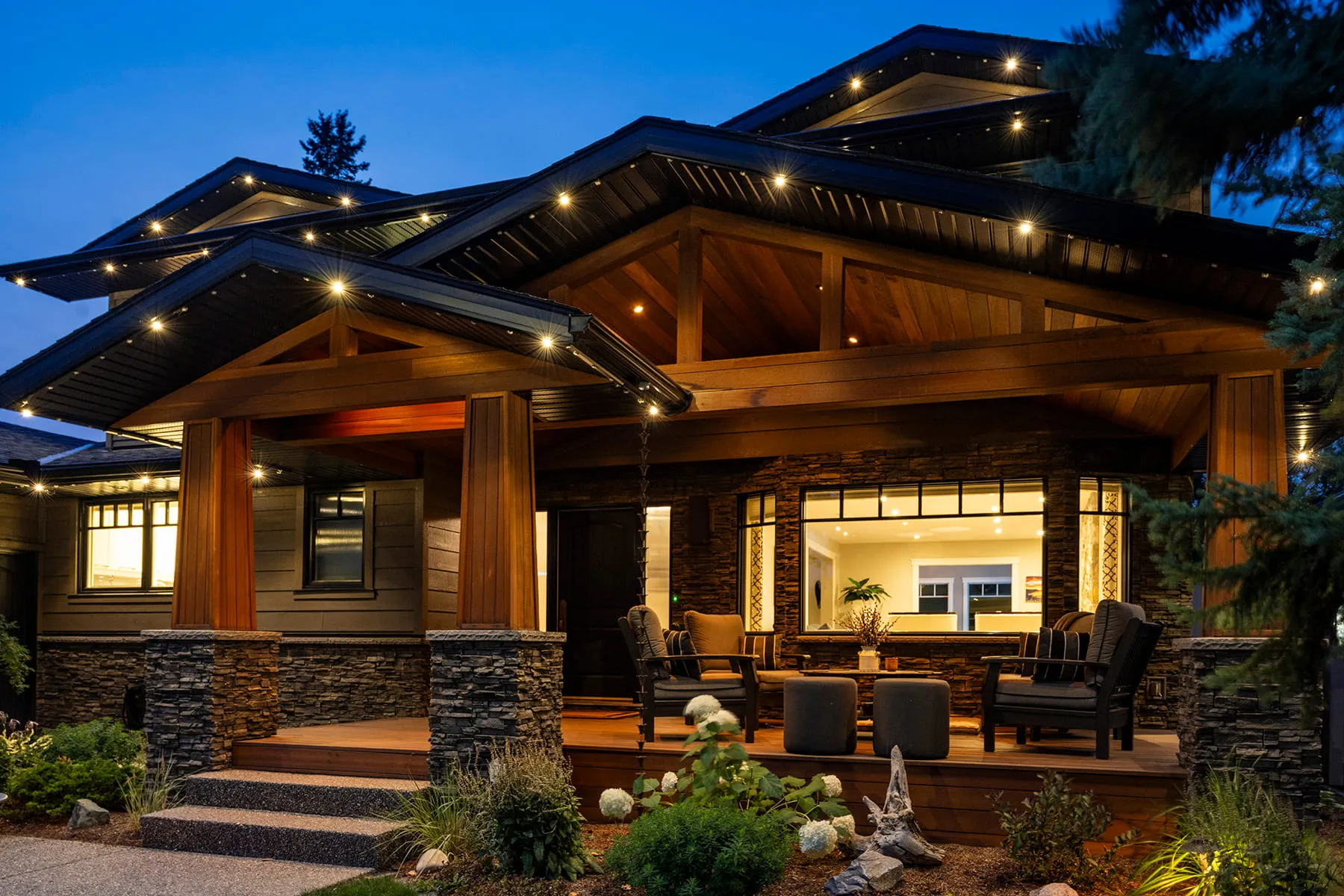
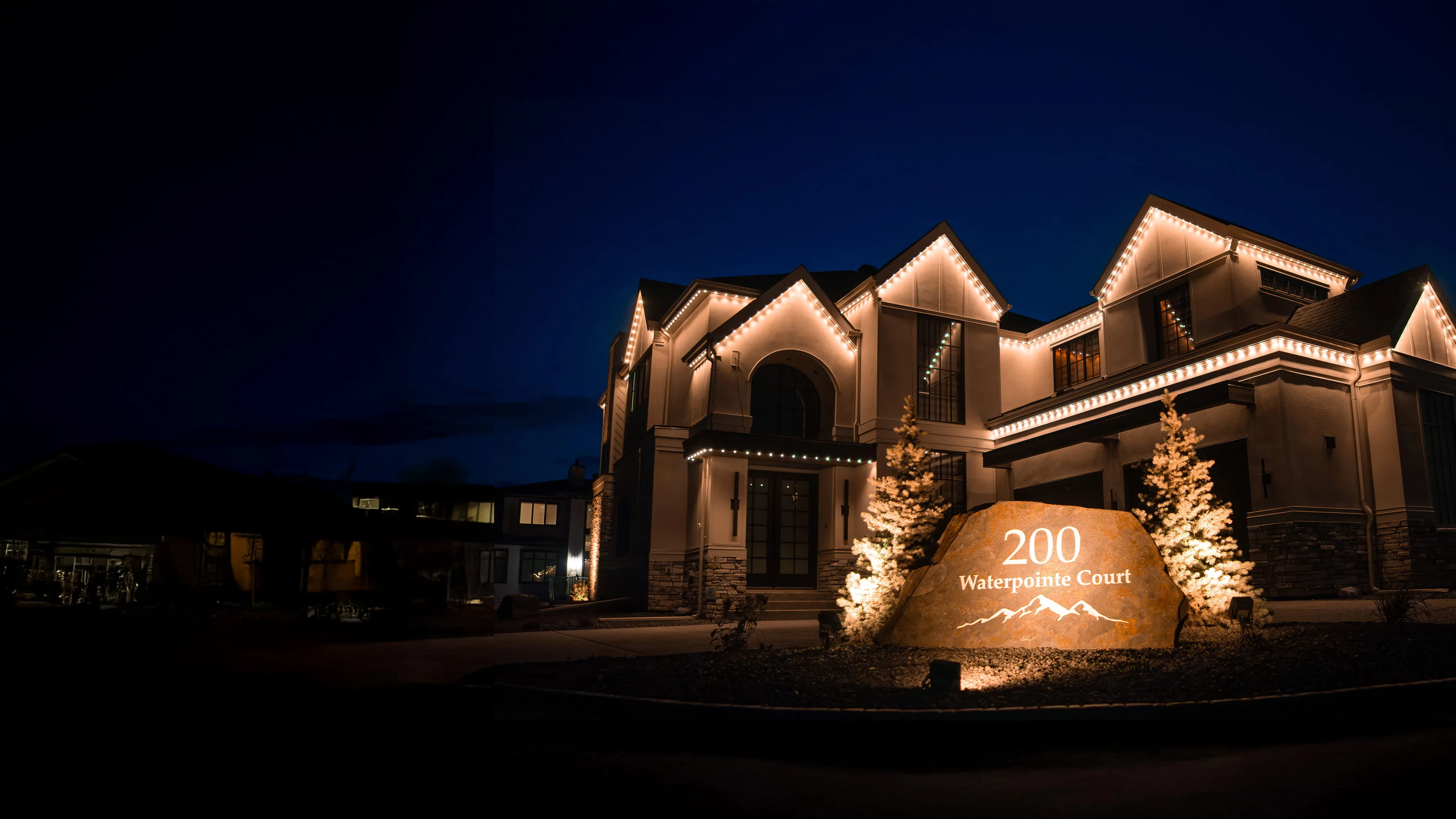
Lights for game nights
Questions
Game day questions
Facts from Gemstone Lights' Autopilot and What's New notes (2025 and 2026) and game-day blog.
Which leagues are covered?
Gemstone's Autopilot sports calendars cover the NHL, NFL, NBA and MLB. They're free and run on the Hub2 controller.
Do the lights react when my team scores?
Not automatically. You can trigger an animation yourself from the app or with a voice command when your team scores.
What about soccer, college teams or F1?
Gemstone has added folders for 47 MLS and soccer teams, 73 college teams and Formula 1.
Want the street to know your team?
Get a free quote and your lights can switch to team colours on every game night.