How to Maintain Your Permanent Lighting System
LK Installations · · Updated
One of the best things about permanent lights is how little they ask of you. Once a Gemstone Lights system is on the house, there are no strings to untangle in November and no ladder trips in January. Gemstone says the system needs no maintenance beyond the occasional cleaning, and that repairs are rare.
“Very little” still isn’t “nothing”, though. Here is what looking after the lights actually involves, and what to do if something does go wrong.
Give the track a wipe now and then
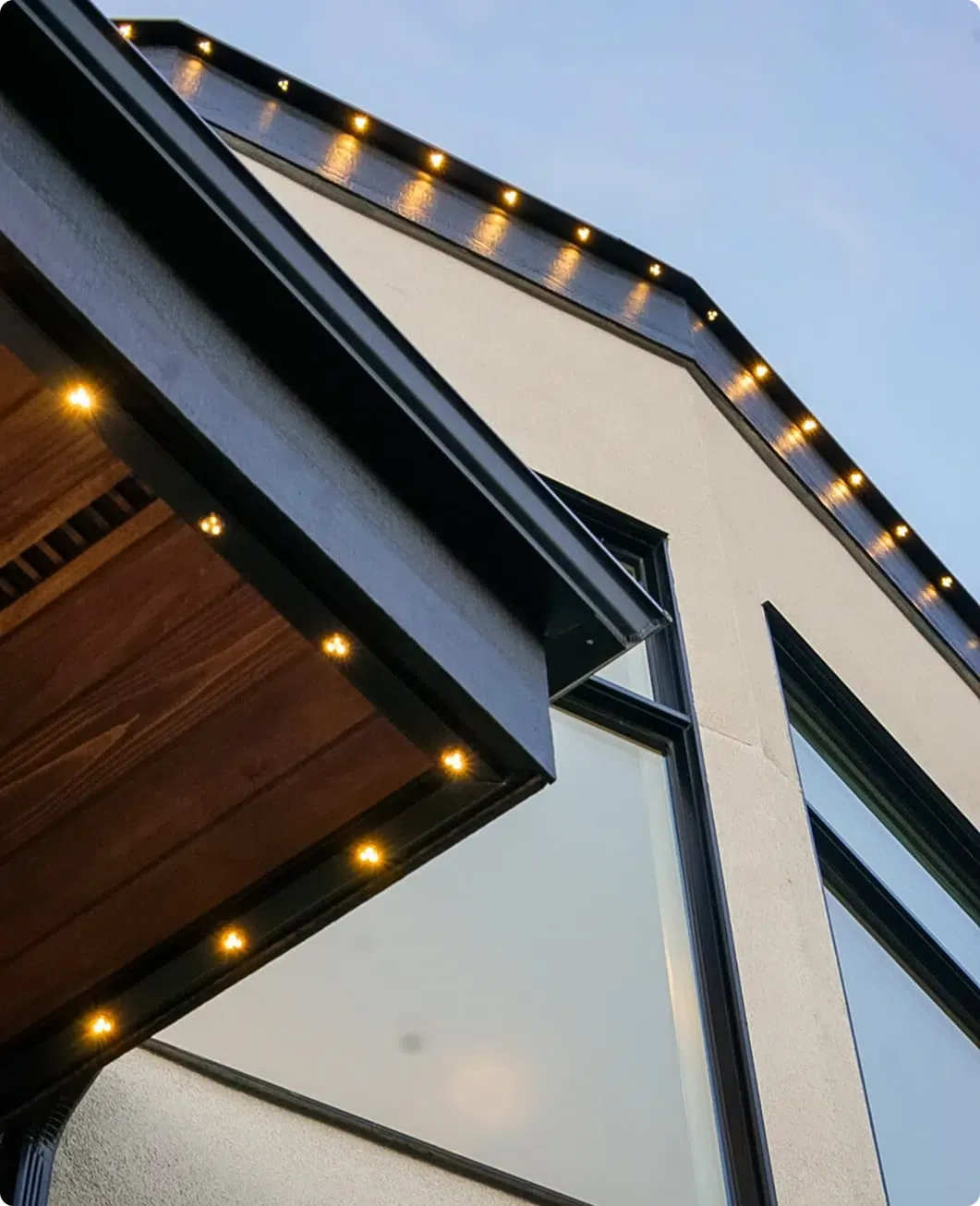
The lights sit in an aluminium track under your soffit, so they’re sheltered from most of what the weather throws at them. Over time, dust and cobwebs can still collect along the track.
An occasional wipe is all it takes. If you can reach a section safely from the ground with a soft brush on a pole, that works. For anything higher, call us rather than climbing up. Gemstone itself warns that climbing ladders or getting onto the roof can be hazardous, which is a big part of why permanent lights exist in the first place.
Keep the app and the controller up to date
Most of the “maintenance” happens in the Gemstone Lights app:
- Update the app when your phone offers it. Gemstone releases improvements through the year, and features like Autopilot calendars and playlists arrive that way.
- Let firmware updates finish. Updates to the controller need a Wi-Fi connection. If one fails, the app now lets you retry it.
- Keep the Wi-Fi steady. If your router changes, reconnect the controller in the app. In the meantime the lights still run on Bluetooth, and your timers keep going.
If you have an older system on the original Hub controller, it’s still supported, but new features need the Hub2 controller. Ask us about an upgrade.
Register the warranty
This is the one job you can’t put off. Gemstone needs the warranty registered within 30 days of installation, either in the app when it asks or on Gemstone’s website. After that, the warranty isn’t valid.
Once it’s registered, your permanent outdoor lights have a lifetime warranty on the lights and 10 years on the rest of the system: the controller, power kit, cables, connectors and track. Deck lights are covered for life too, with 5 years on the deck light rings. Landscape, flood and patio lights have 5 years on the lights and 10 on the rest. The warranty page has the full breakdown.
What can void the warranty
Gemstone’s warranty documents list the things it won’t cover. The main ones for homeowners are:
- damage from accidents, misuse or neglect
- installation, changes or repairs by anyone who isn’t an authorized Gemstone installer
- power surges, lightning and severe weather
- using parts that aren’t Gemstone’s
In practice that means: don’t splice in other lights, don’t move the track yourself, and call us before anyone else works on the system.
If a light goes out
Each light in a Gemstone track has its own sealed connector, so a single light can be swapped without disturbing its neighbours. Deck lights are built so each one is easy to get at.
Gemstone’s process is simple. Start with your installer. That’s us, so call (250) 203-3266 or send a message, and we’ll take a look. If a part needs replacing under warranty, we deal with Gemstone. A repaired or replaced part is covered for the rest of the original warranty, or 30 days, whichever is longer.
A quick yearly check
You don’t need a schedule, but it’s worth a look once a year, say before the holidays:
- Run a bright white pattern after dark and walk around the house. Every light should be the same brightness and colour.
- Check that your sunset timer still matches what you want.
- Open Autopilot and pick the calendars you want for the coming season.
That’s it. If anything looks off, let us know and we’ll sort it out.